Japanese & English interface
Manga and EPUB.
Read. Listen.
Discover your next book.
Open your phone. Open your bookshelf.
Turn the next manga page. Read an EPUB story.
Give your eyes a break and listen with text-to-speech.
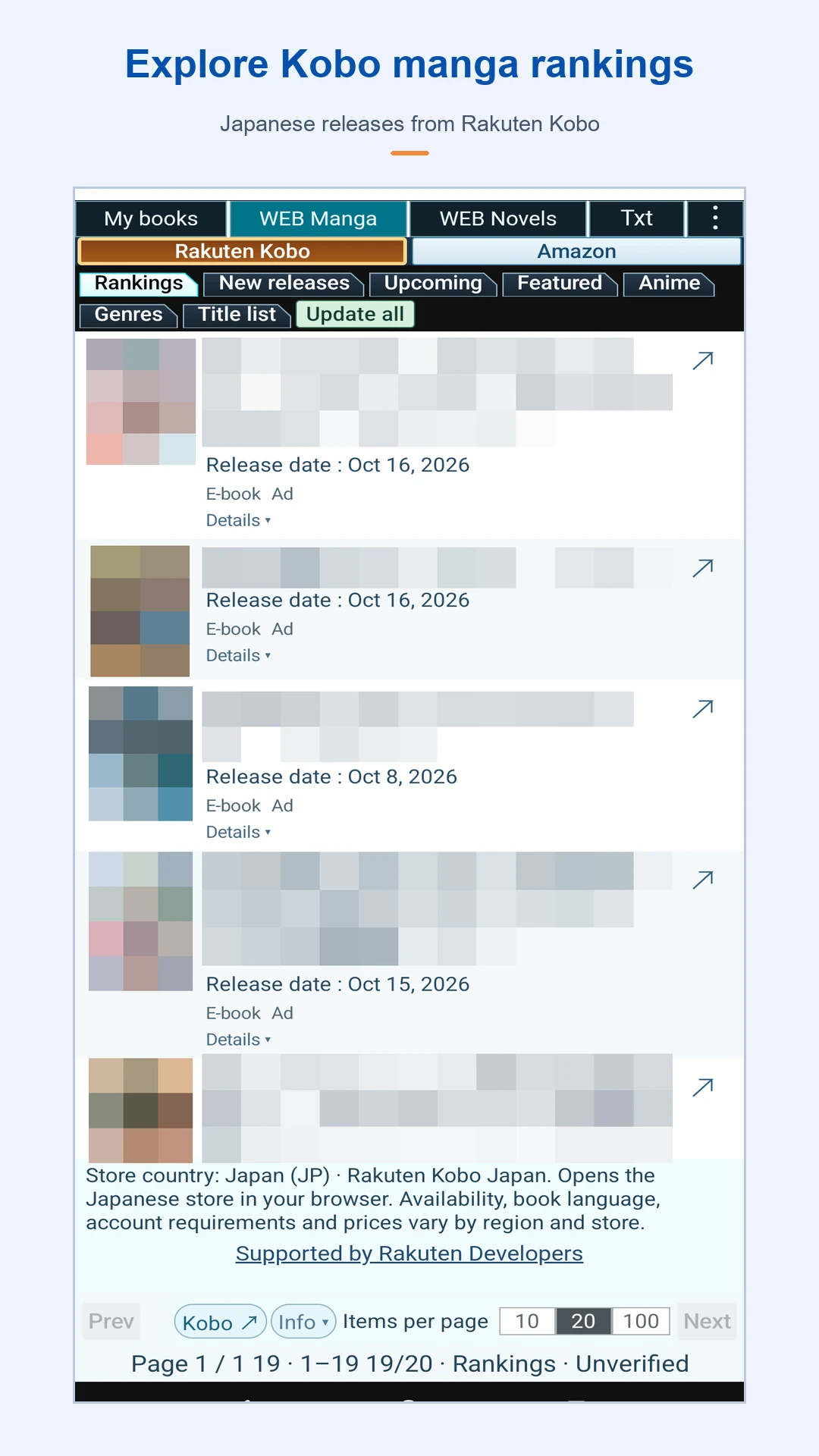
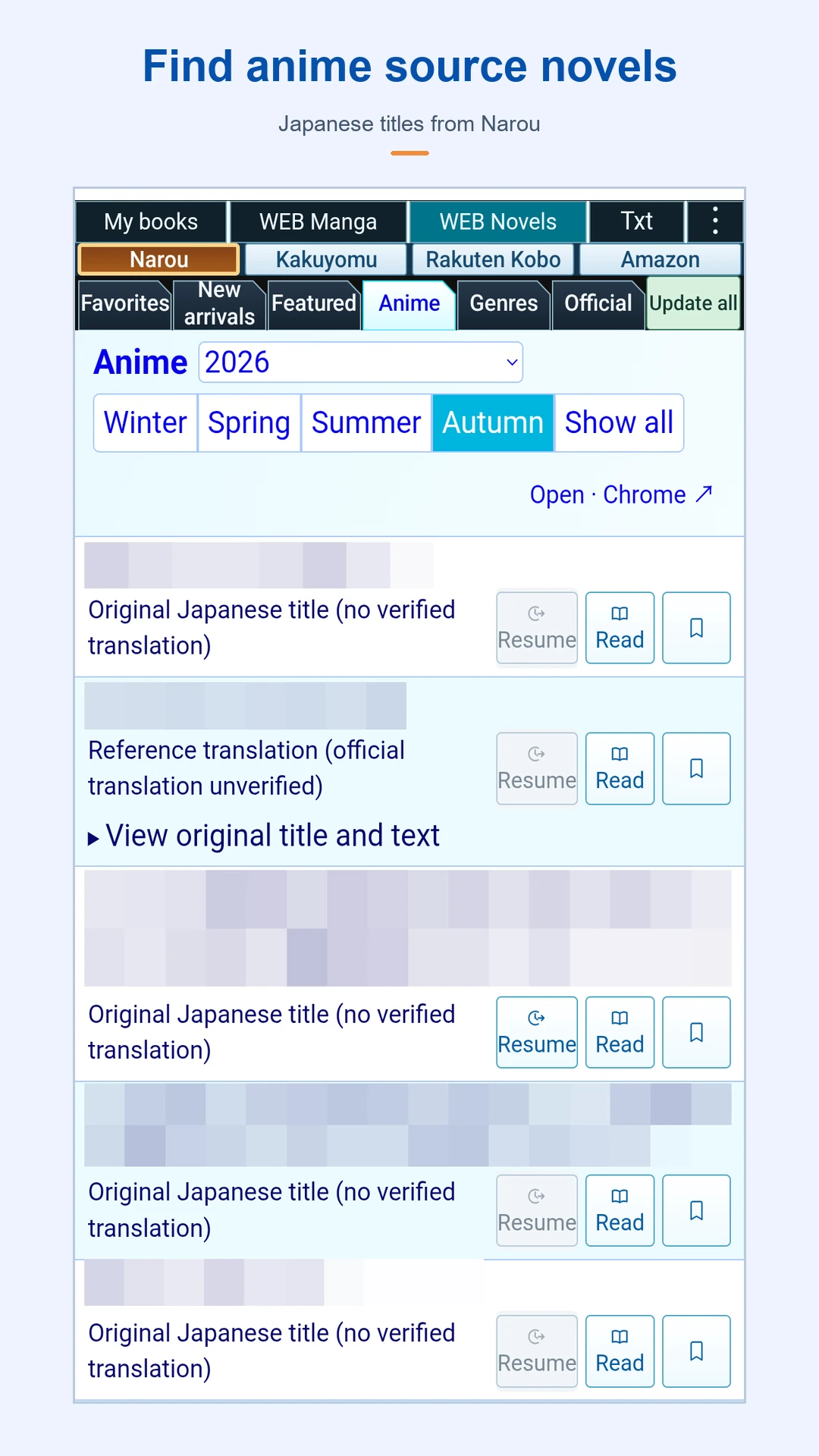
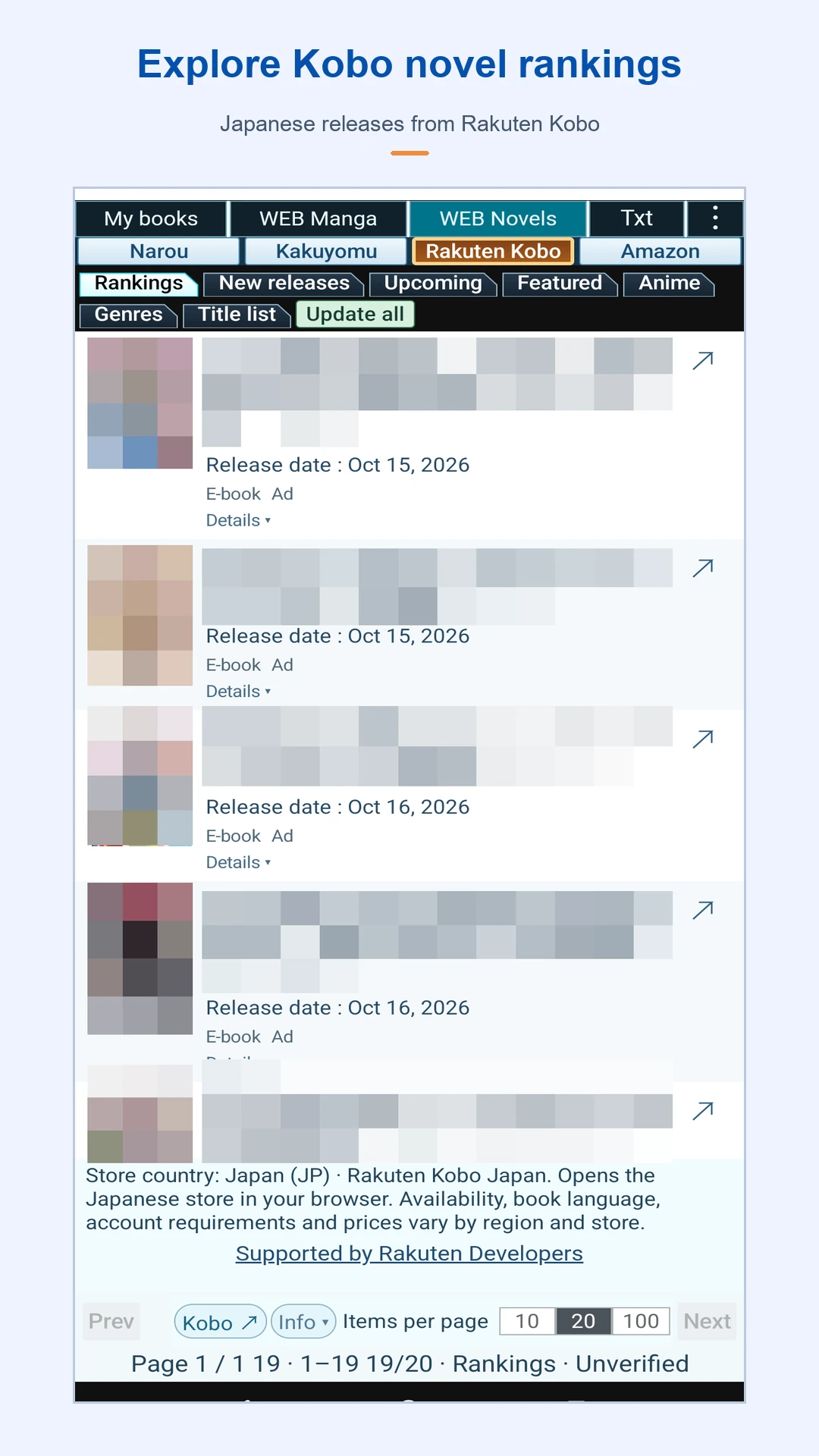
Read your own ZIP, CBZ and EPUB files on Android. On this website, find Japanese new releases, upcoming books and web manga or novels, then visit store and official work pages.
Byu: Manga, EPUB & Read Aloud
 ByuManga, EPUB &
Read Aloud
Interface languages: Japanese and English.
Free: up to 50 volumes (one file per volume) and one library.
One-time unlock: ¥300 in Japan. Check Google Play for your local price.
Google Play may still display the former Japanese name, 同人書籍ビューア.
News & updates
- Android · 1.0.51 · Google Play
Fixed the notice shown when a WEB work has no bundled translation: the original text is retained and the missing translation is clearly explained. Improved file-format labels, bookshelf width, and thumbnail loading and reuse.
- Android · 1.0.26 · Google Play
Improved catalogue updates, display and product links. Added verified work information and Rakuten Kobo cover images.
- Android · 1.0.21 · Google Play
Fixed title and Read links in Narou and Kakuyomu lists. Added an explanation and a clear-date button when a date filter leaves a list empty.
Improved cover display in category lists. Some provider placeholder images remain.
Show earlier updatesHide earlier updates
- Android · 1.0.19
You can now download updates for supported saved catalog lists from the in-app menu. If an update fails, the previous lists are retained.
- Android · 1.0.18
Added on-device reference translation of WEB work titles and saved descriptions in supported languages.
Added switching to original text and caching of translations.
Improved separation of verified novel and manga edition links. - Android · 1.0.17
Improved WEB manga and novel lists, filters, and anime adaptation year/season selection.
Updated original-work and official sample links, supported covers, and ranking displays.
Improved automatic library loading, list updates, and opening supported external files.
Fixed return-state, multilingual display, text-size, and menu-height issues. - Android · 1.0.16
Fixed blank image pages when opening an EPUB for the first time. Fixed volume switching during read-aloud and inconsistencies in the display and reading history when reaching the free version's 50-book limit.
- Android · 1.0.14
Added library reconnection while preserving reading progress and favorites. Fixed the display when cover updates fail and corrected translations across screens.
- Android · 1.0.13
Added UI support for 66 languages.
WATCH THE APP
A little time. A good story.
Explore your bookshelf, read manga and EPUB books, and follow EPUB read-aloud highlighting. Recorded on an unfolded Pixel with English controls and original English sample books.
1:15 · Full HD · English narration and on-screen captions. Press the image to load the YouTube player, then press Play in the player to start the video.
Watch on YouTube
The video uses promotional narration. The app’s text-to-speech voice depends on your device.
Video credits
Actual Android app footage on Pixel 10 Pro Fold. Original sample books and illustrated reading scenes. Narration: Microsoft Zira Desktop.
Music: Easy Lemon — Kevin MacLeod (incompetech.com), CC BY 4.0. Music source. Edits: excerpt, volume adjustment, fades and ducking under narration.
READ MANGA
Your ZIP and CBZ manga,
on your everyday phone.
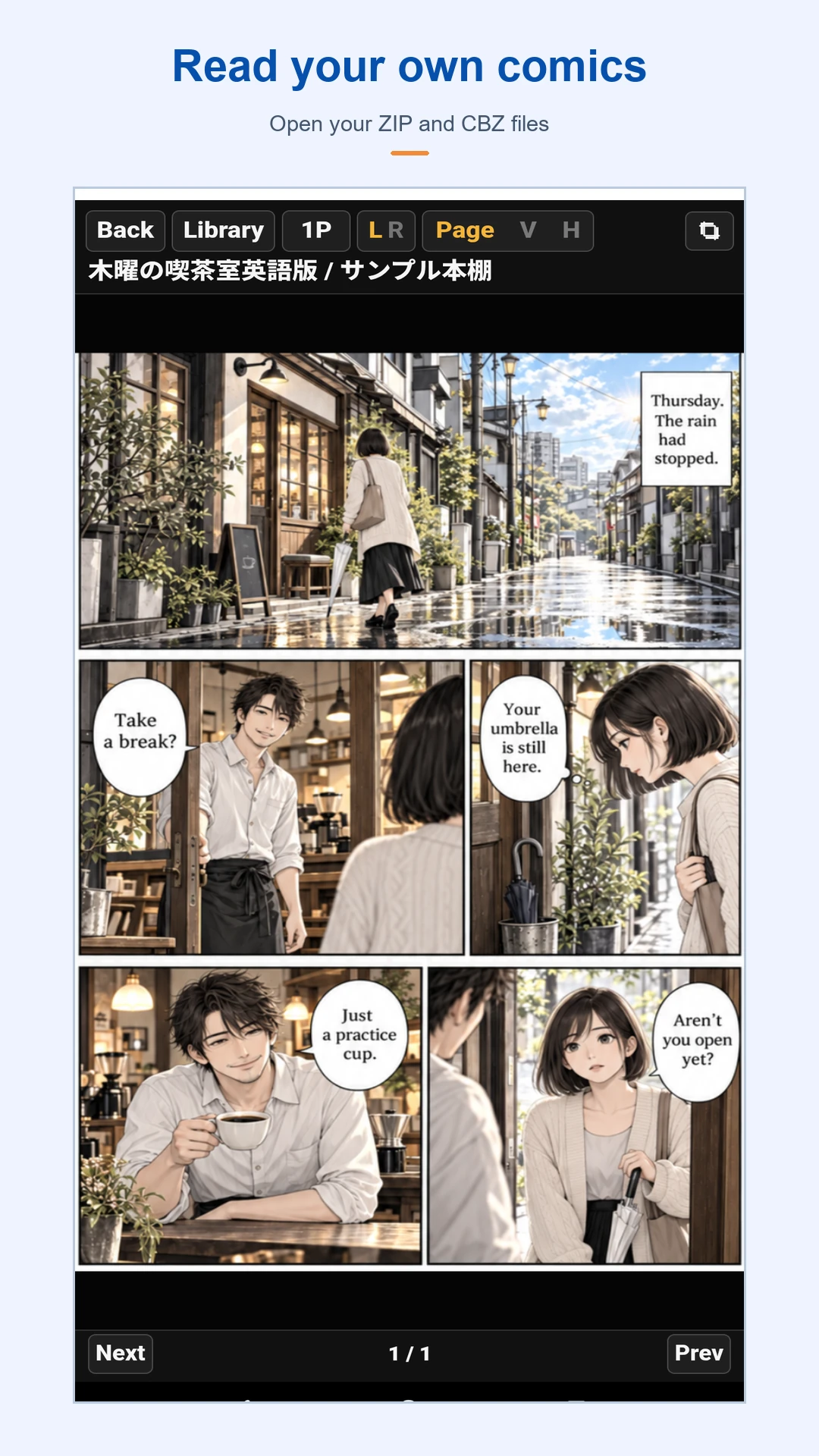
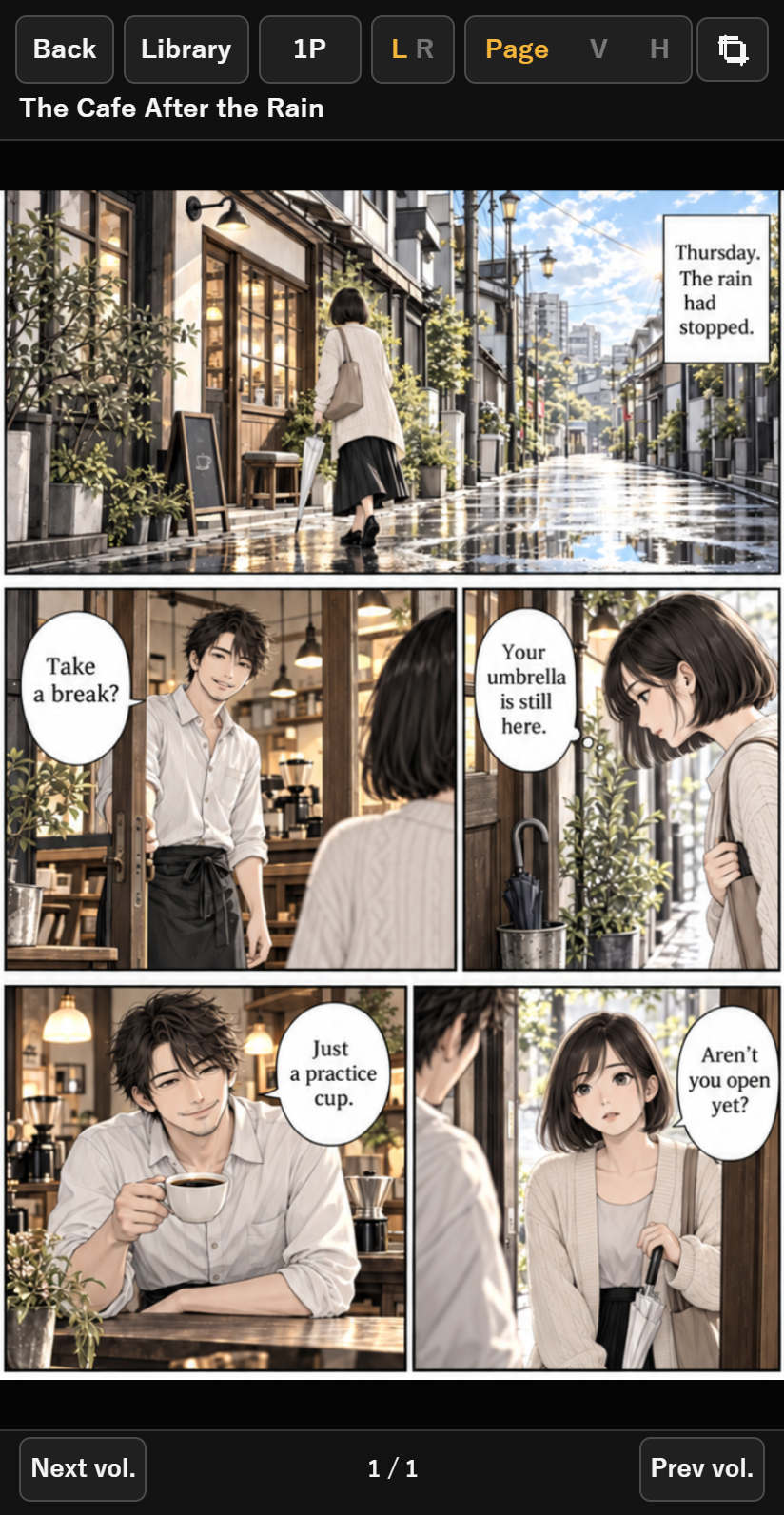
Bring your scanned manga and downloaded independent works to your own bookshelf. Turn one page at a time or scroll through the story. Choose the reading style that fits the work and your mood.
- Single pages, vertical scrolling or horizontal scrolling
- Switch between right-to-left and left-to-right reading
- Crop margins and zoom for small text and details
READ EPUB
Read EPUB novels,
at your own pace.
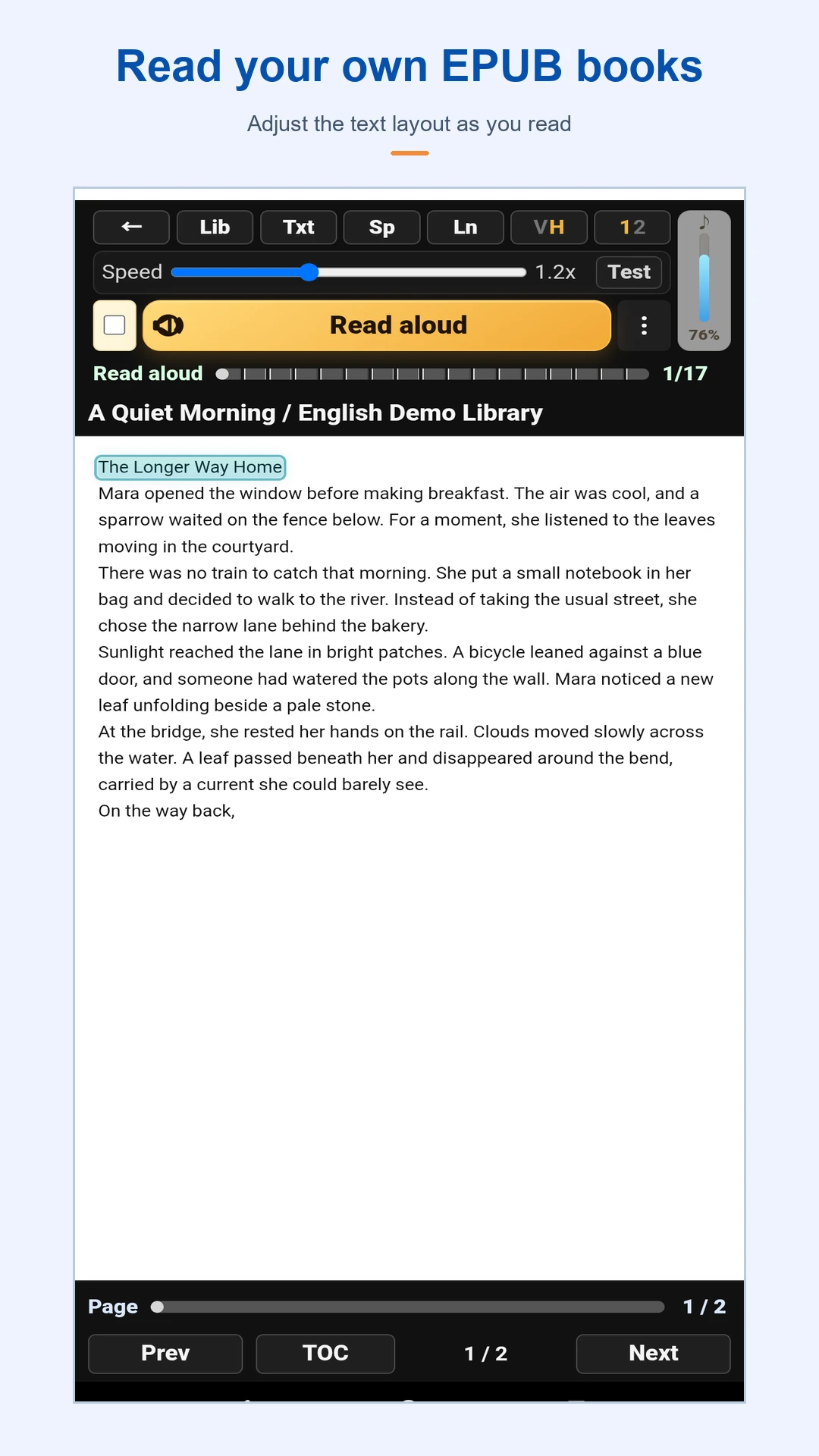
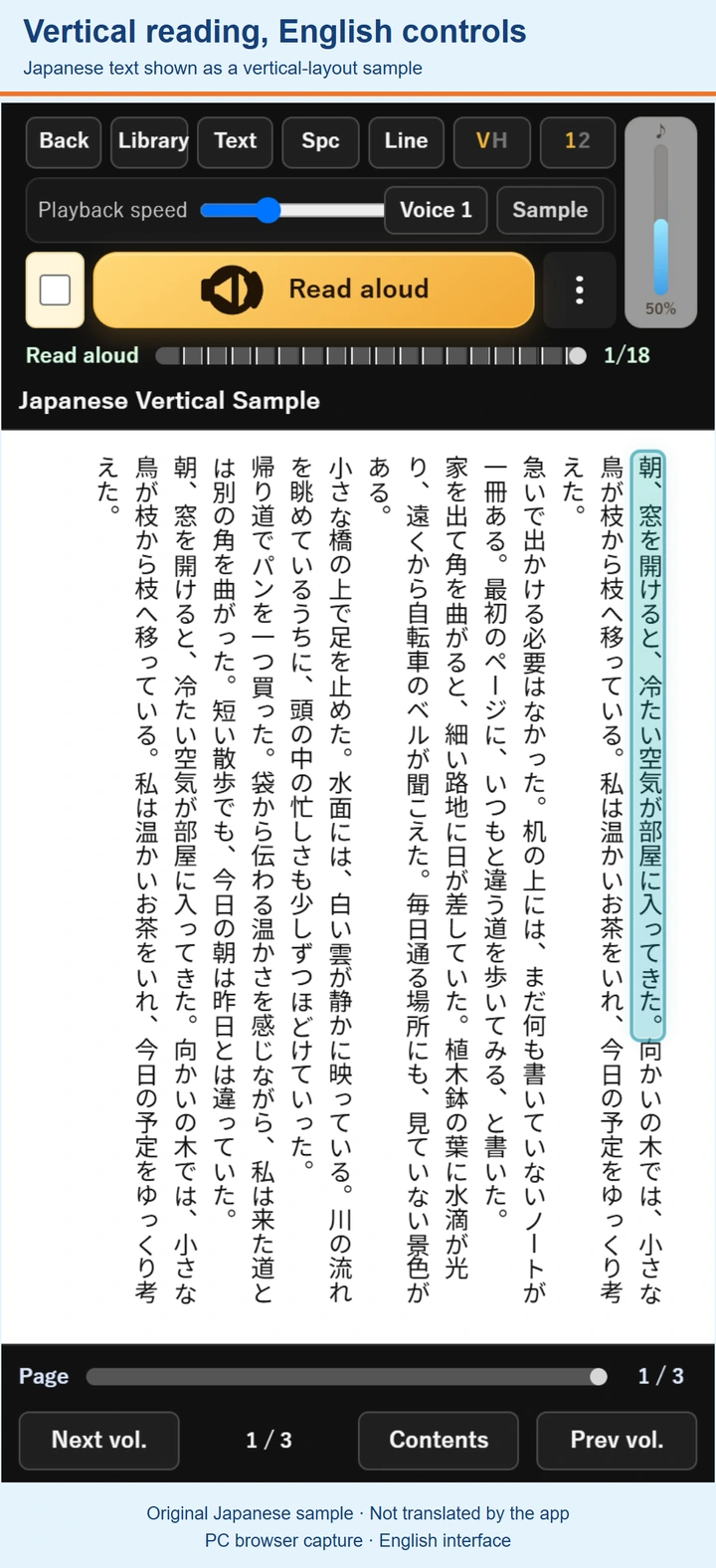
Open an EPUB in a vertical or horizontal text layout. Adjust text size and line spacing for comfortable reading.
- Switch between vertical and horizontal layouts
- Adjust text size, character spacing and line spacing
- Jump to a chapter from the table of contents
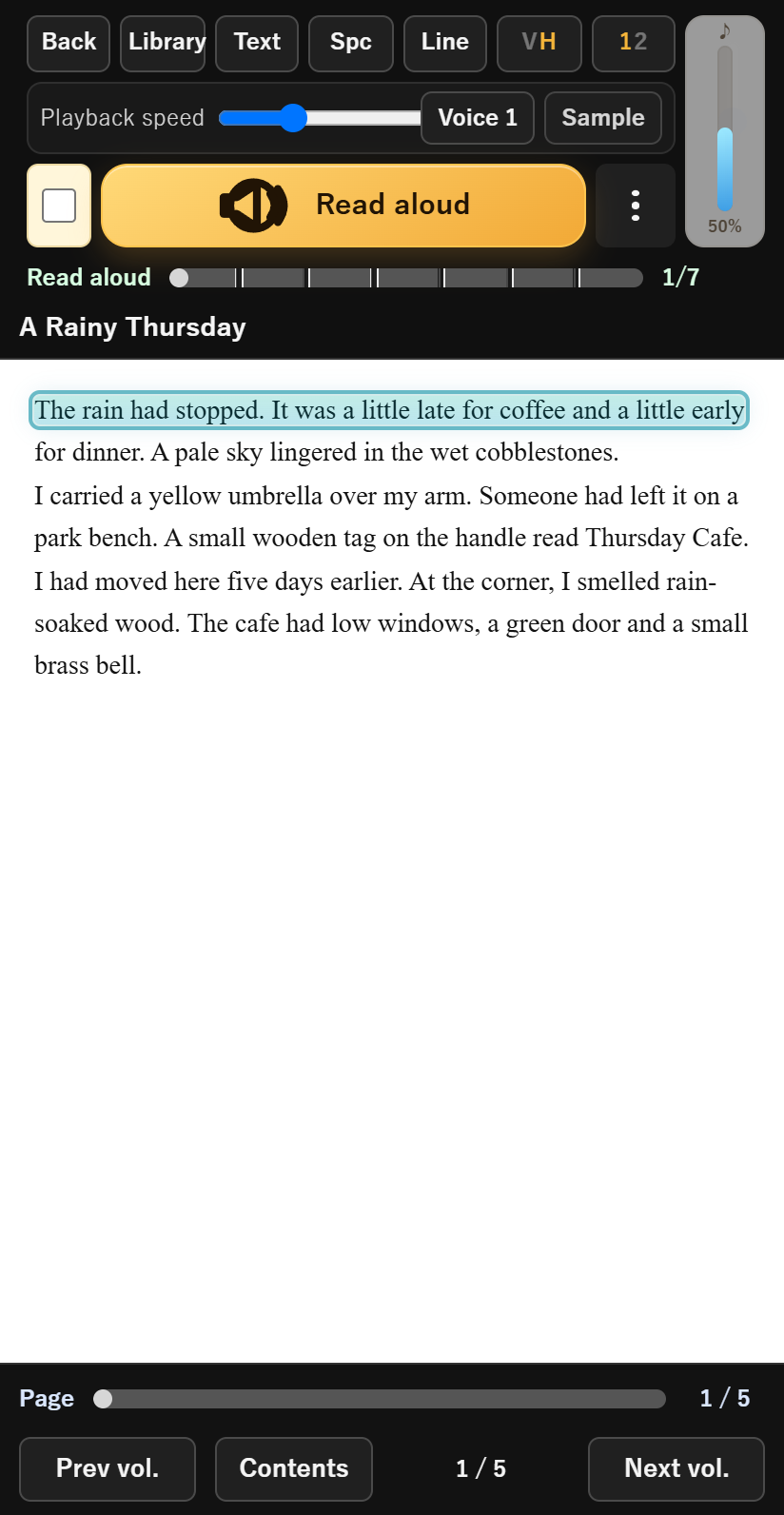
LISTEN TO EPUB
Keep the story going,
by listening.
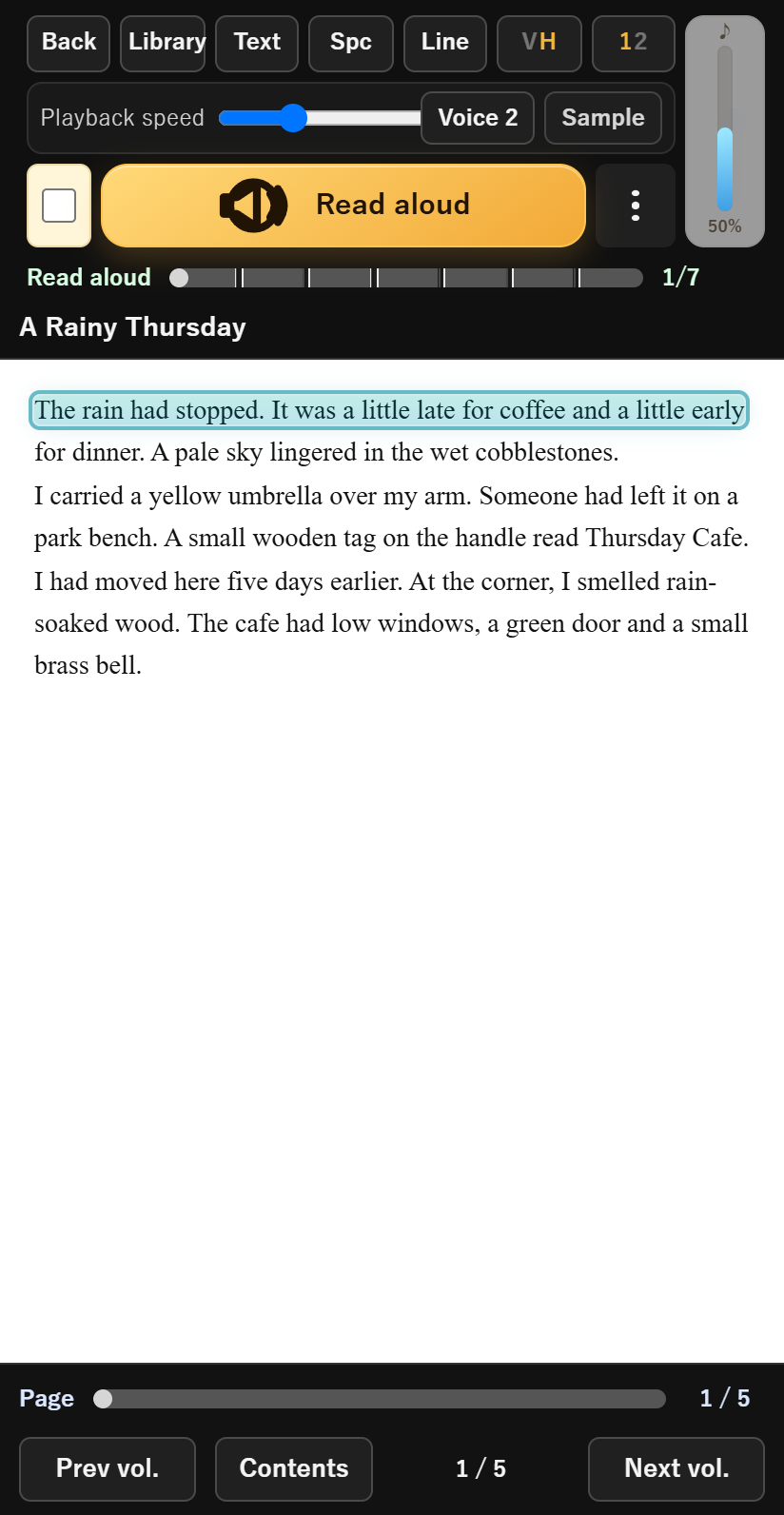
Listen to EPUB text with your device's text-to-speech voice. Enjoy the story when you want to rest your eyes or cannot look at the screen.
- Listen to EPUB text
- Change the playback speed and device voice
- Listen in the background
Available voices depend on your device and speech engine. Text-to-speech reads EPUB text; it does not perform OCR or read manga images or PDF text aloud.
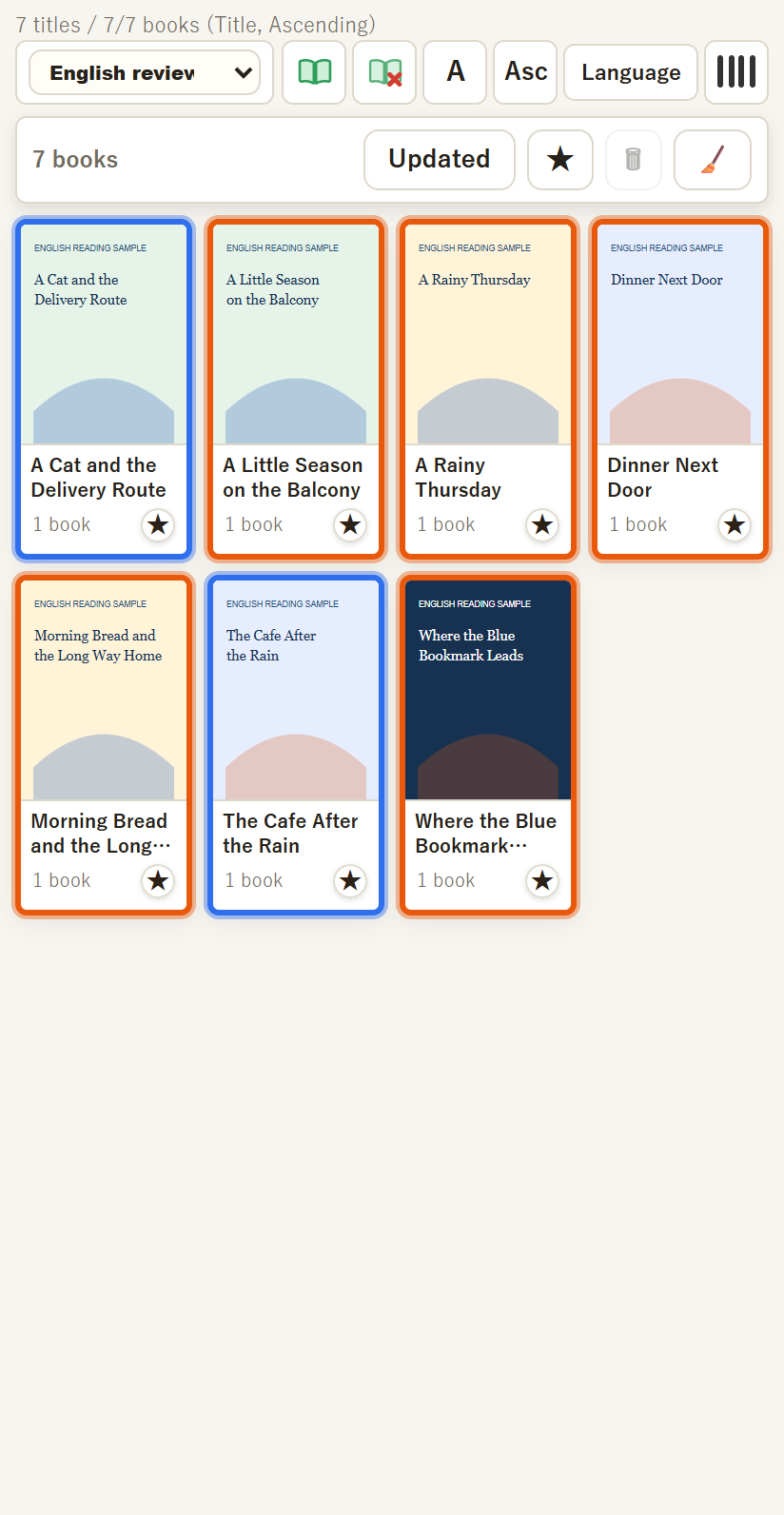
YOUR OWN BOOKSHELF
Your books,
on your bookshelf.
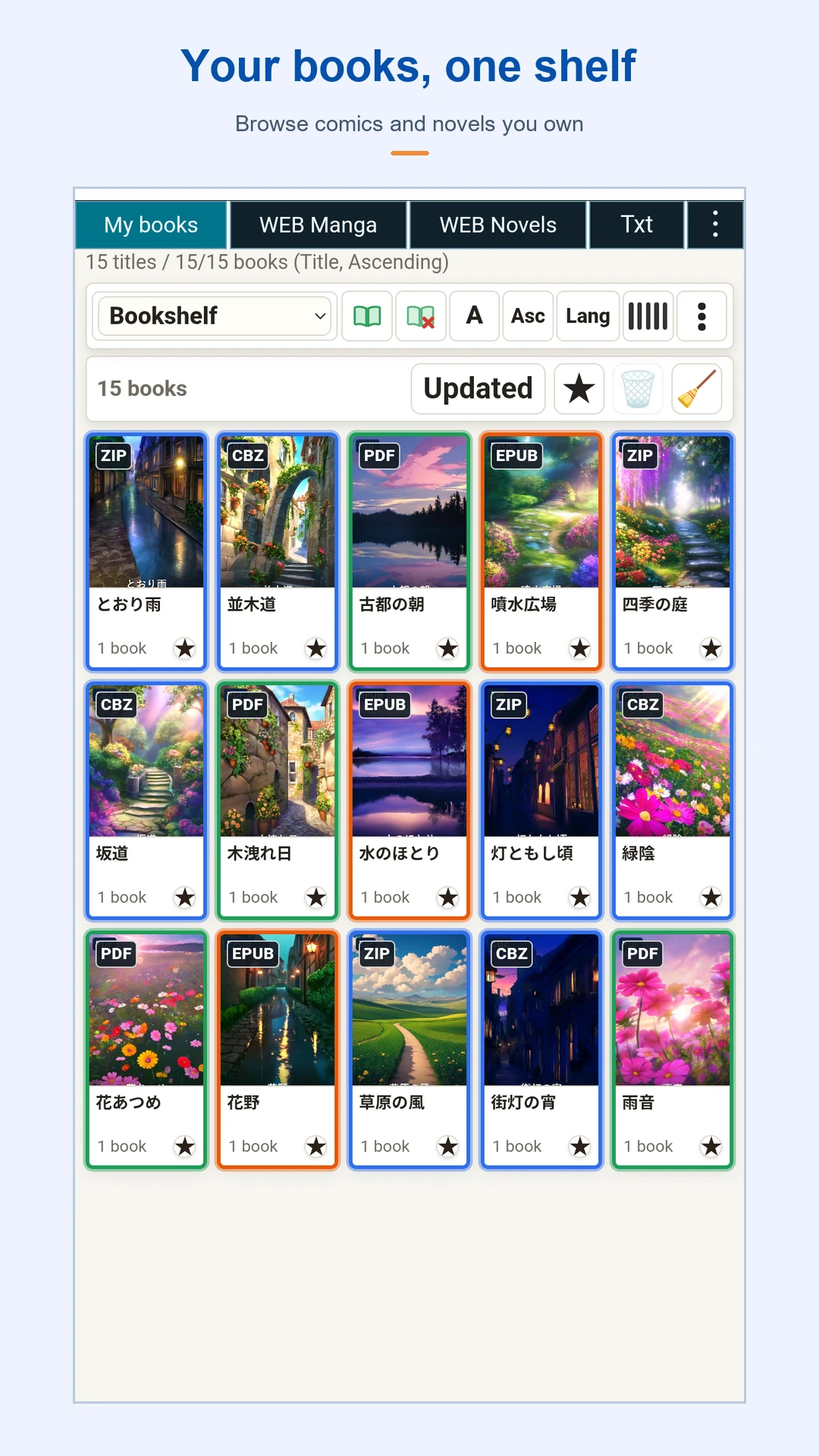
Select a folder on your device and organize manga, EPUB and PDF together. Find your next book or the volume you are partway through on your bookshelf.
Byu reads files you already have. It does not sell or distribute books, or import books that can only be read inside another bookstore app.
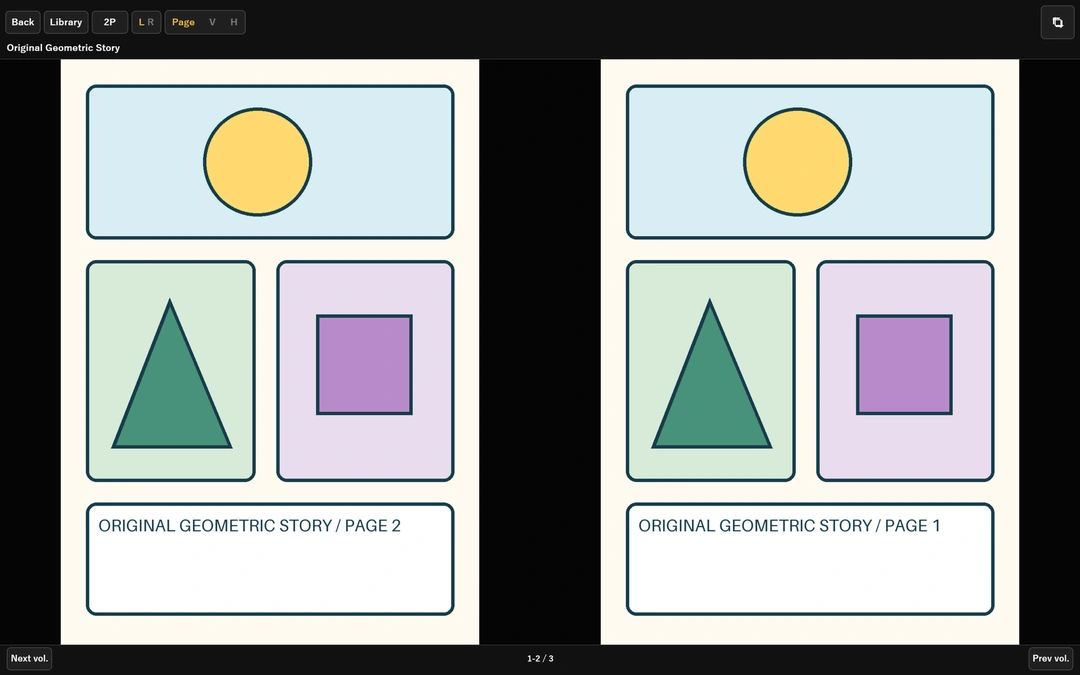
ALSO ON A BIG SCREEN
On a larger screen,
see a two-page spread.
Read manga in two-page spreads on a tablet or foldable device. Enjoy your collection on your phone or a larger screen.
GET STARTED
Start with your own books.
Try reading for free, then unlock more features if you need them.
FREE
Use it for free
Up to 50 volumes (one file per volume) · one library
Try manga viewing, EPUB reading and EPUB text-to-speech with your own books.
ONE-TIME UNLOCK
One-time unlock: ¥300
Price in Japan; check Google Play for your local price
Read all volumes · multiple libraries · view the trash
Unlock features with an in-app purchase. There is no monthly fee. Check the price on Google Play's purchase confirmation screen.
QUESTIONS & ANSWERS
Common questions.
Which files can I read?
Manga formats include ZIP/CBZ, RAR/CBR, 7Z and image folders. EPUB and PDF are also supported. Please provide files you have the right to use.
Can I read the text of a novel as well as listen?
Yes. Display EPUB text in vertical or horizontal layouts, and use text-to-speech when you want to listen.
Can I change the text-to-speech voice?
You can switch between voices available on your device. Available voices and languages depend on your speech engine and settings. Text-to-speech does not automatically translate a book, and pronunciations of proper names can vary.
Are books included?
Byu does not sell or distribute books. Supply your own usable ZIP, CBZ, EPUB or PDF files, such as scanned books or purchased downloads. Books inside other bookstore apps cannot be imported directly.
What is the difference between free and unlocked?
The free version supports the first 50 volumes (one file per volume) and one library. The one-time purchase unlocks all volumes, multiple libraries and trash viewing. The price in Japan is ¥300, with no monthly fee. Check Google Play's confirmation screen for your local purchase price.
YOUR NEXT PAGE
Your next page,
on your phone.
Read. Listen. Bring your own books together in Byu.
View the app on Google Play